What you need
- Meltify, which is free. Download it here.
- A link to a Spotify playlist, album or song. Public playlists work without logging in.
- Enough free space: a typical song takes around 3 to 5 MB.
Step by step
- Install and open Meltify. On Windows, run
MeltifySetup.exe; it installs in seconds and opens by itself. - Copy the playlist link from Spotify. Open the playlist, tap Share, then Copy link to playlist. The link looks like
open.spotify.com/playlist/…. - Paste it into Meltify. Open Import (the + button in the sidebar on a computer, or the link icon on the Home screen on a phone), paste the link, and press Fetch. You can also paste the link straight into the search bar. Meltify shows "Spotify playlist detected" and a preview of the songs.
- Press "Save & download all". Meltify finds every song on YouTube Music, matching the title, the artist and the length to within 3 seconds, and saves it as an M4A file with the cover art built in. You can watch the progress on the Downloads page.
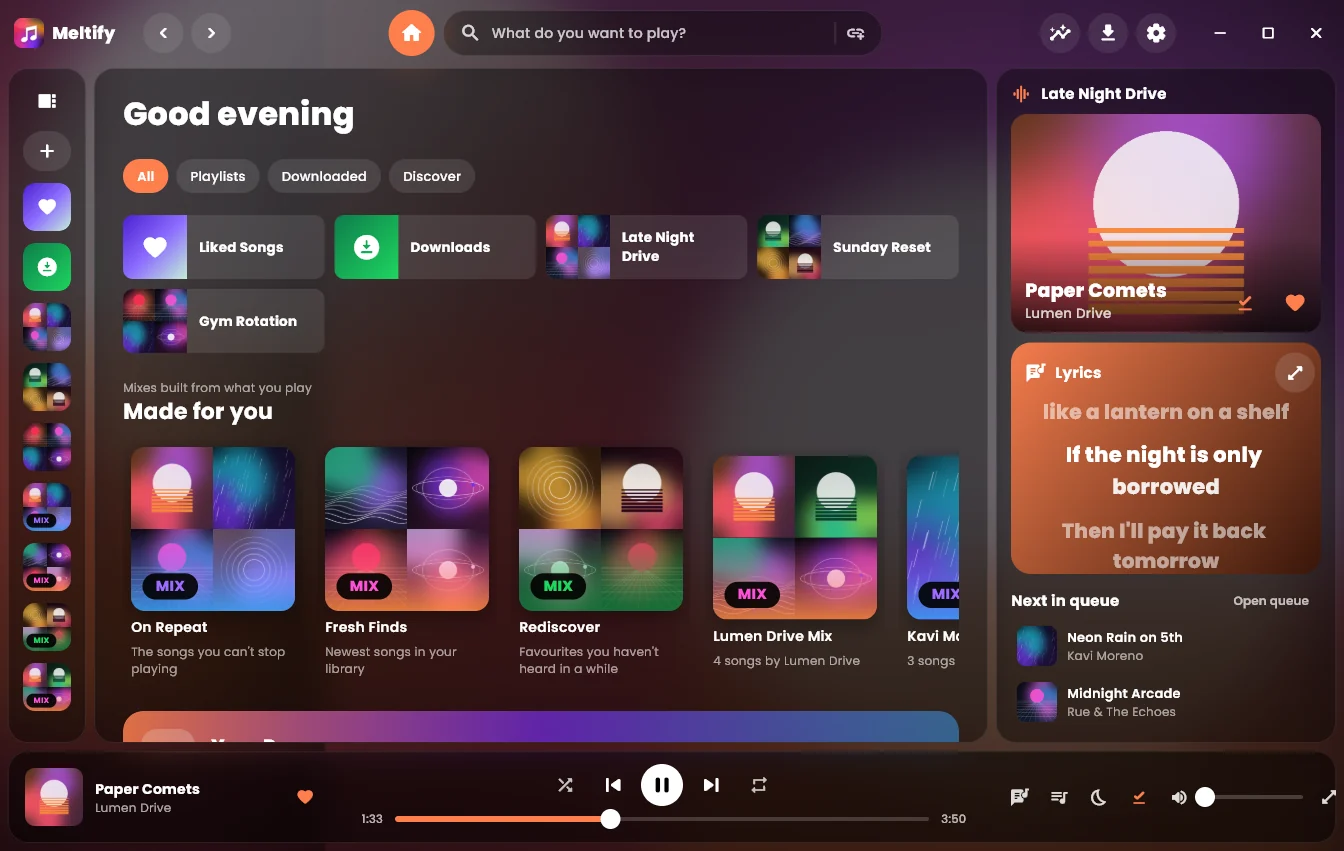
- Play it anywhere. The playlist is now in your library. Downloaded songs show a small arrow icon and play with no connection at all.
Good to know
Big playlists and your own playlists
Without logging in, Meltify can read the first 100 songs of a public Spotify playlist. To import your own playlists in full, and your Liked Songs, connect your Spotify account under Settings → Accounts. You'll need a free Spotify app key; the Settings page explains how to get one.
Keep the playlist up to date
When the Spotify playlist changes, open it in Meltify and press the sync button. New songs are added and downloaded; nothing you already have is downloaded twice.
Got the wrong version of a song?
Meltify avoids live versions, remixes and sped-up edits, but if one slips through, open the song's ⋯ menu and choose Wrong song? Re-match.
Change how many songs download at once
Under Settings → Downloads you can download up to six songs at the same time, and choose where the files are saved on a computer.
Get Meltify
Free for Windows, Mac, Android and iPhone. Your playlists, offline, with lyrics that light up word by word.
Download Meltify